Cashless Pantries & Cafeterias for the Workplace
A Point of Sale tablet with customisable cloud POS software for office pantries and cafeterias — cashless, cardless, and mobile-less via palm verification for login and payment.
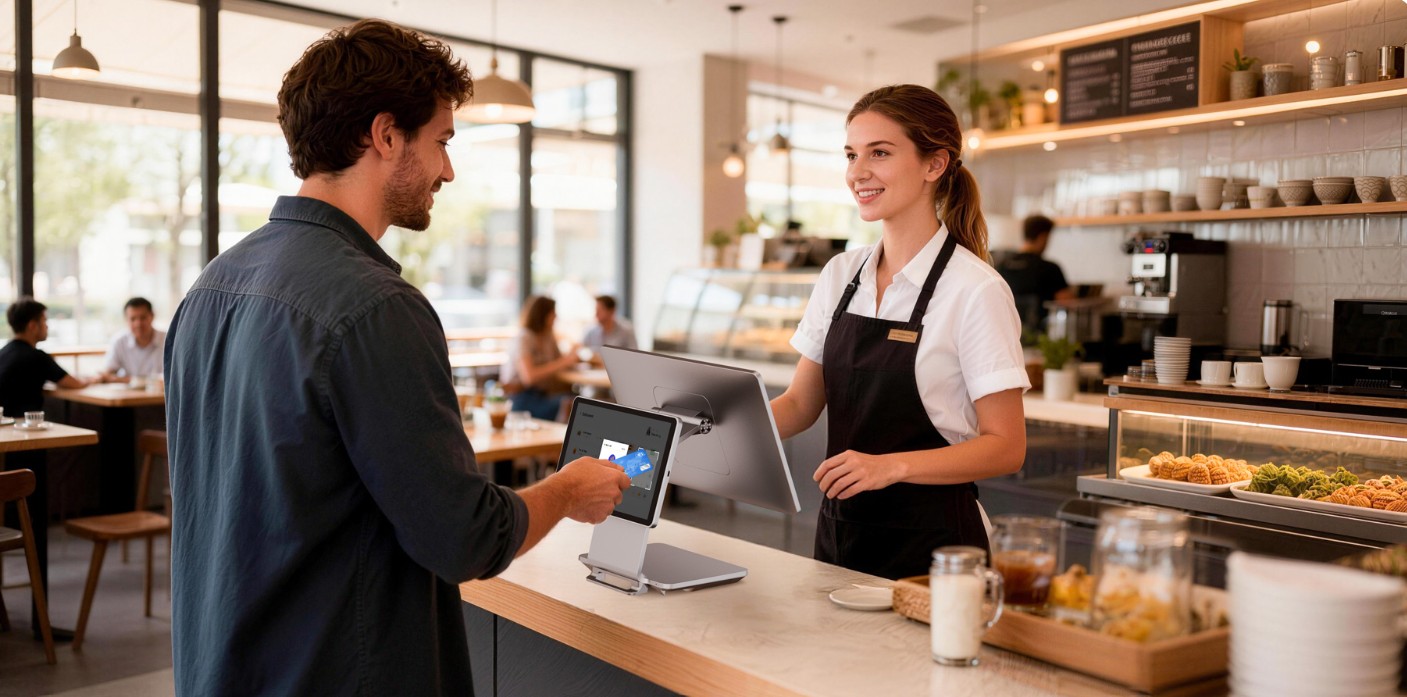
Complete Pantry & Cafeteria Management
From the scanner at the counter to the sales report at the end of the day.
Android 13 POS Tablet
Dual-screen smartCAFE App with WIFI, 4G and battery — no proprietary hardware lock-in.
Palm Pay — Wave & Go
Staff pay with their smartid palm or anti-clone NFC card at the pantry or cafeteria. No cash, no queues.
Realtime Cloud Backup
Every transaction backs up to the cloud instantly — online purchase and receipt records, always available.
Multi-Outlet Reporting
Run pantries and cafeterias across multiple offices, with consolidated sales reporting in one dashboard.
Day & Night Mode
Adaptive display for counters in any lighting condition, including 24-hour facilities.
Multi-Language Support
Serve diverse workforces with multiple language options at the point of sale.
Unlimited
Outlets per organisation
One
Consolidated dashboard
Real-time
Cross-outlet sync
Choose Your Terminal
Two hardware configurations, both running the same smartid CAFE software — pick what fits your pantry or cafeteria counter.
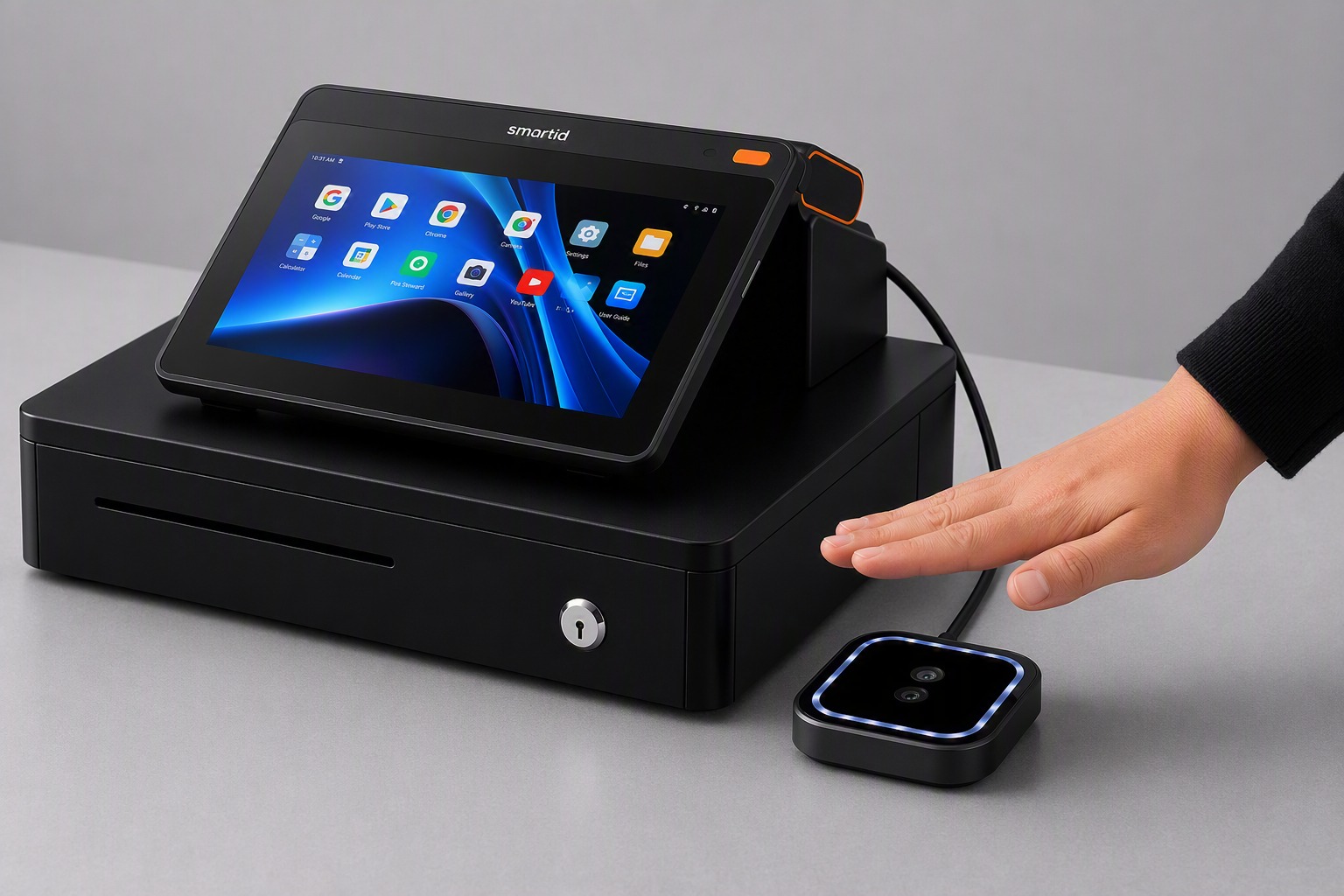
Compact Terminal
A single cashier-facing screen paired with an external palm scanner module — a smaller footprint for tighter pantry counters.
- Single cashier-facing display
- Separate palm scanner module
- Compact footprint
- Built-in cash drawer
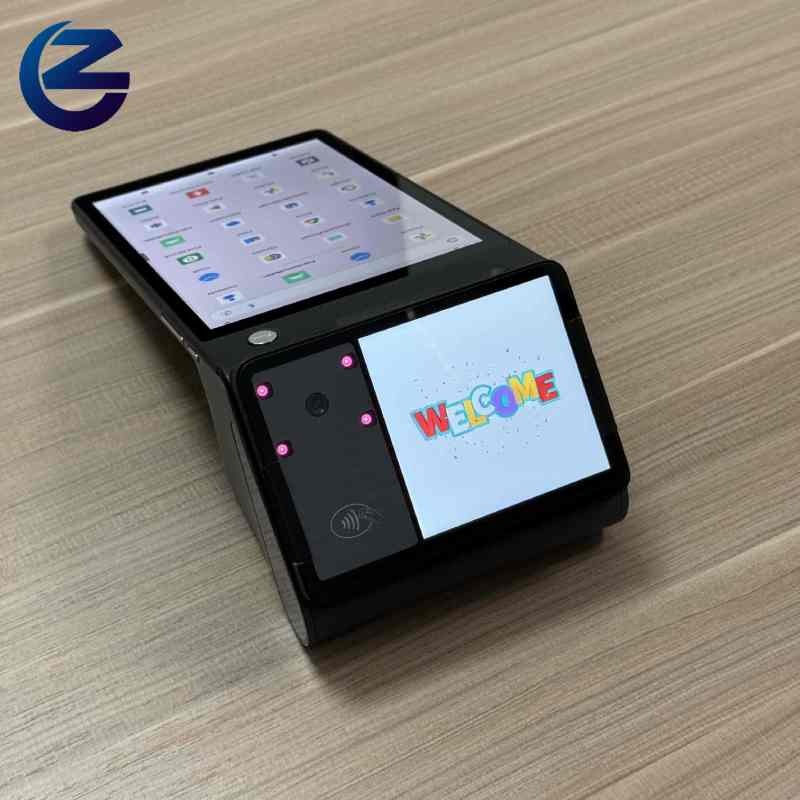
Dual-Screen Terminal
Adds a built-in customer-facing display so staff see their order and payment confirmation directly — suited to busier cafeteria counters.
- Built-in customer-facing display
- Built-in palm reader for login & payment
- Integrated contactless / NFC pad
- Built-in camera for QR scanning
- Ideal for high-traffic counters
smartid CAFE Ecosystem
Everything you need for biometric attendance, cashless payments, and seamless workplace retail.
smartid CAFE Terminal
The all-in-one Android POS terminal that powers attendance, payments, and real-time reporting across every office pantry or cafeteria.
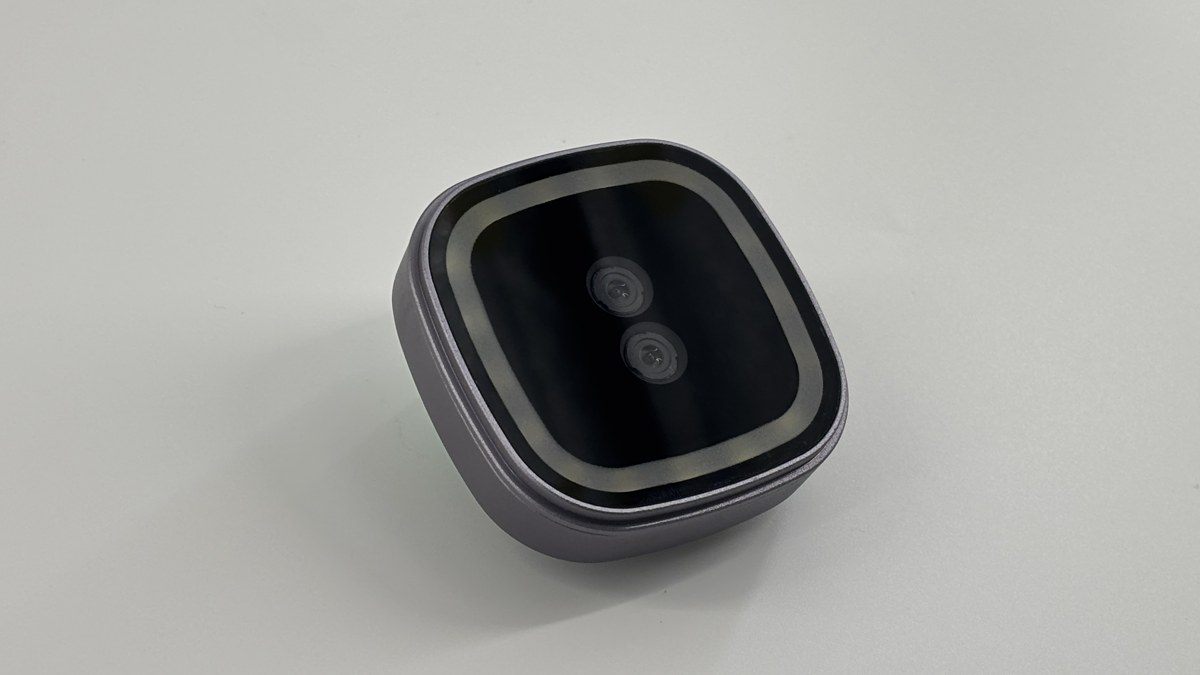
Palm Scanner
Advanced palm verification technology for secure and contactless authentication.
- Attendance recording
- Secure login verification
- Palm Pay transactions
- Contactless & hygienic
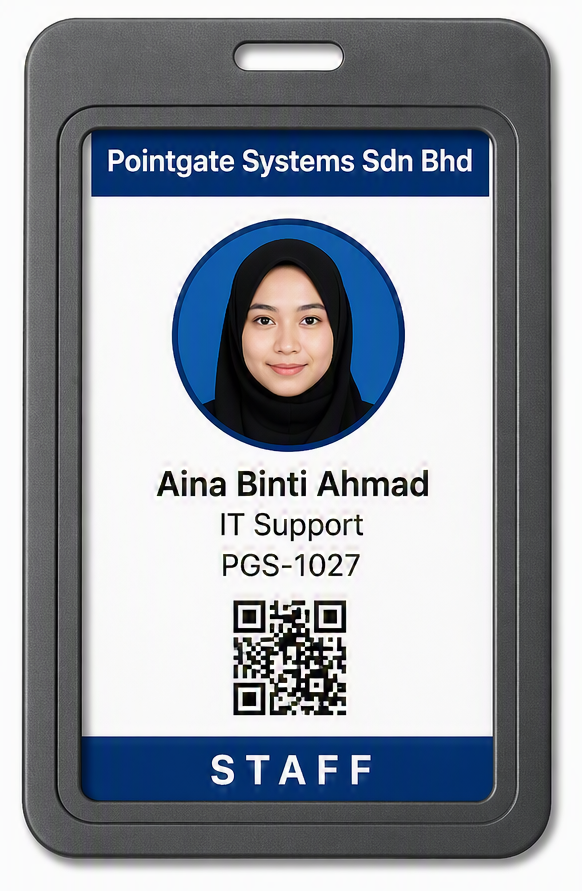
NFC ID Card
OptionalAdd an extra layer of security with anti-clone NFC ID cards for flexible authentication.
- Anti-clone protection
- Fast tap authentication
- Alternative identification method
- Ideal for staff & visitors
Retail Expansion Kit
Enhance your smartid CAFE terminal with additional retail accessories for faster checkout and inventory management.
Wireless Barcode Scanner
- 1D & 2D barcode support
- Wireless connectivity
- Fast & accurate scanning
Omnidirectional Scanner
- Hands-free scanning
- 360° scanning capability
- Ideal for high volume
Bring smartid CAFE to Your Workplace
Eliminate cash handling, reduce queues, and get real-time sales visibility across every outlet.
Contact Us